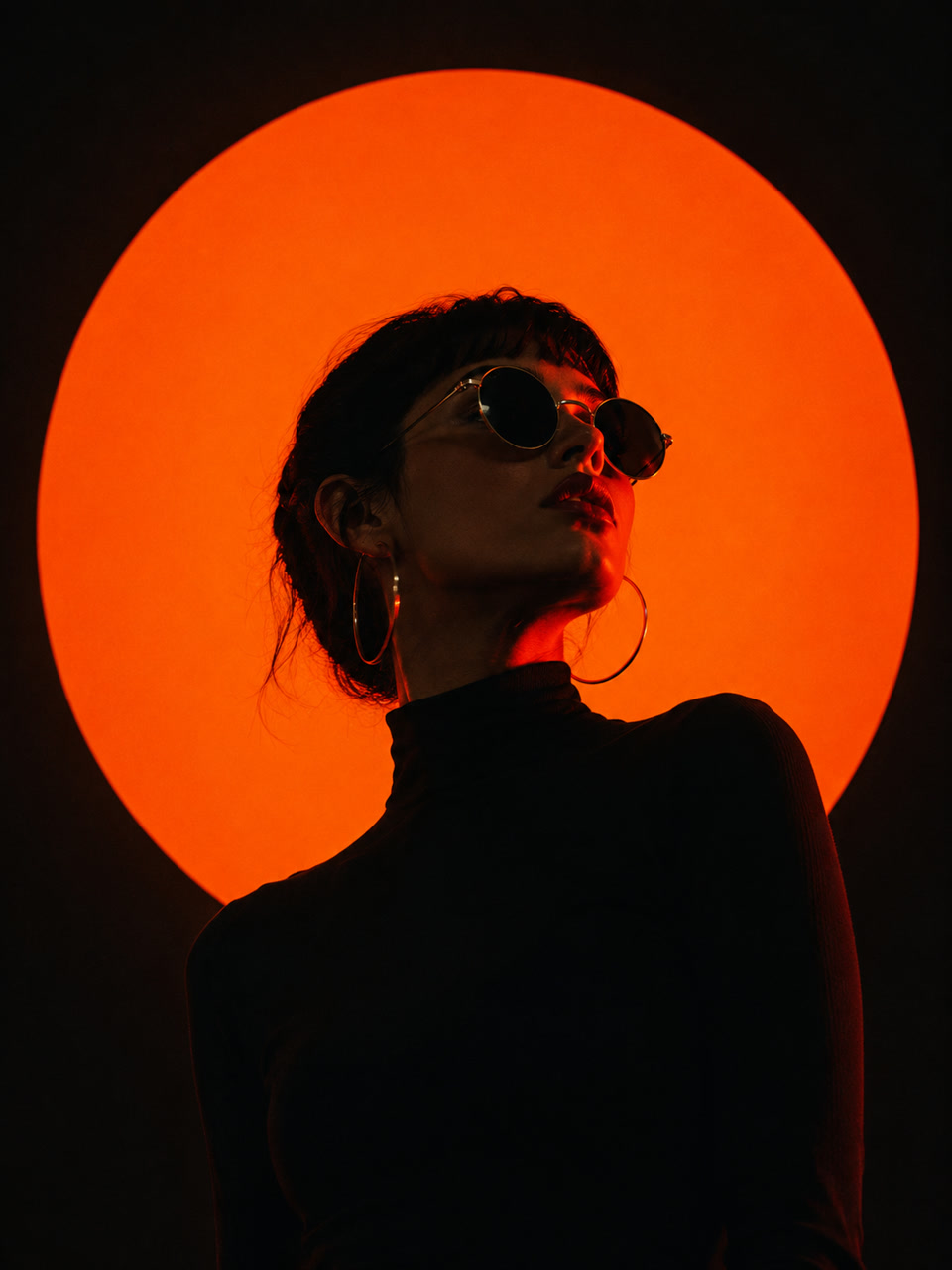
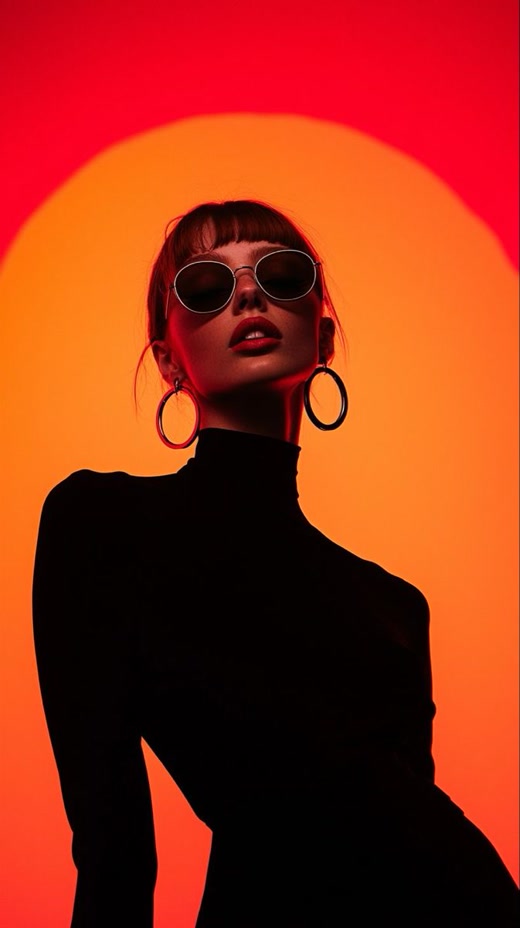
Light, pose and palette
The visual structure survives the prompt.
The tested result keeps the circular light source, low camera angle and restrained red-black palette without copying the original image.
Chrome extension for visual creators
Hover an image and reverse it with your own vision model. The text prompt appears beside the source, ready to copy, translate and keep. HyperPrompt analyzes content you select through providers you configure; it does not generate images or videos.
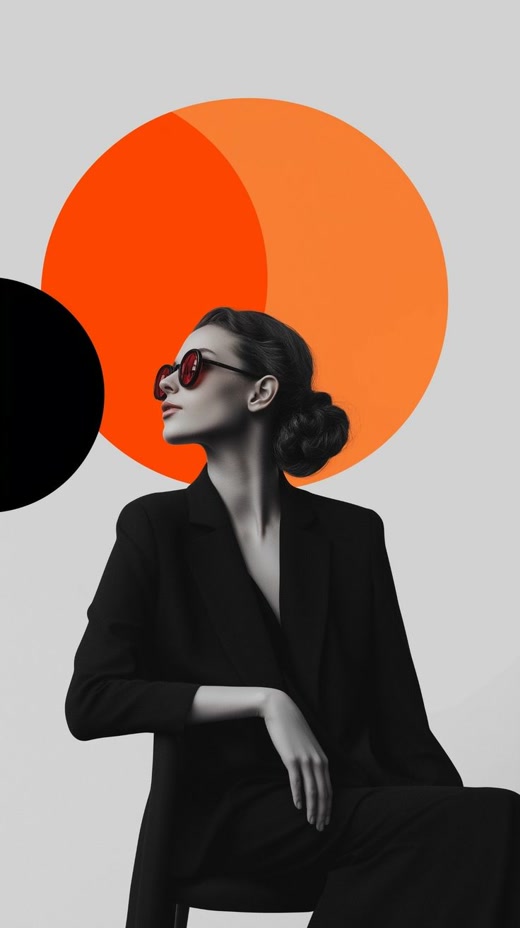
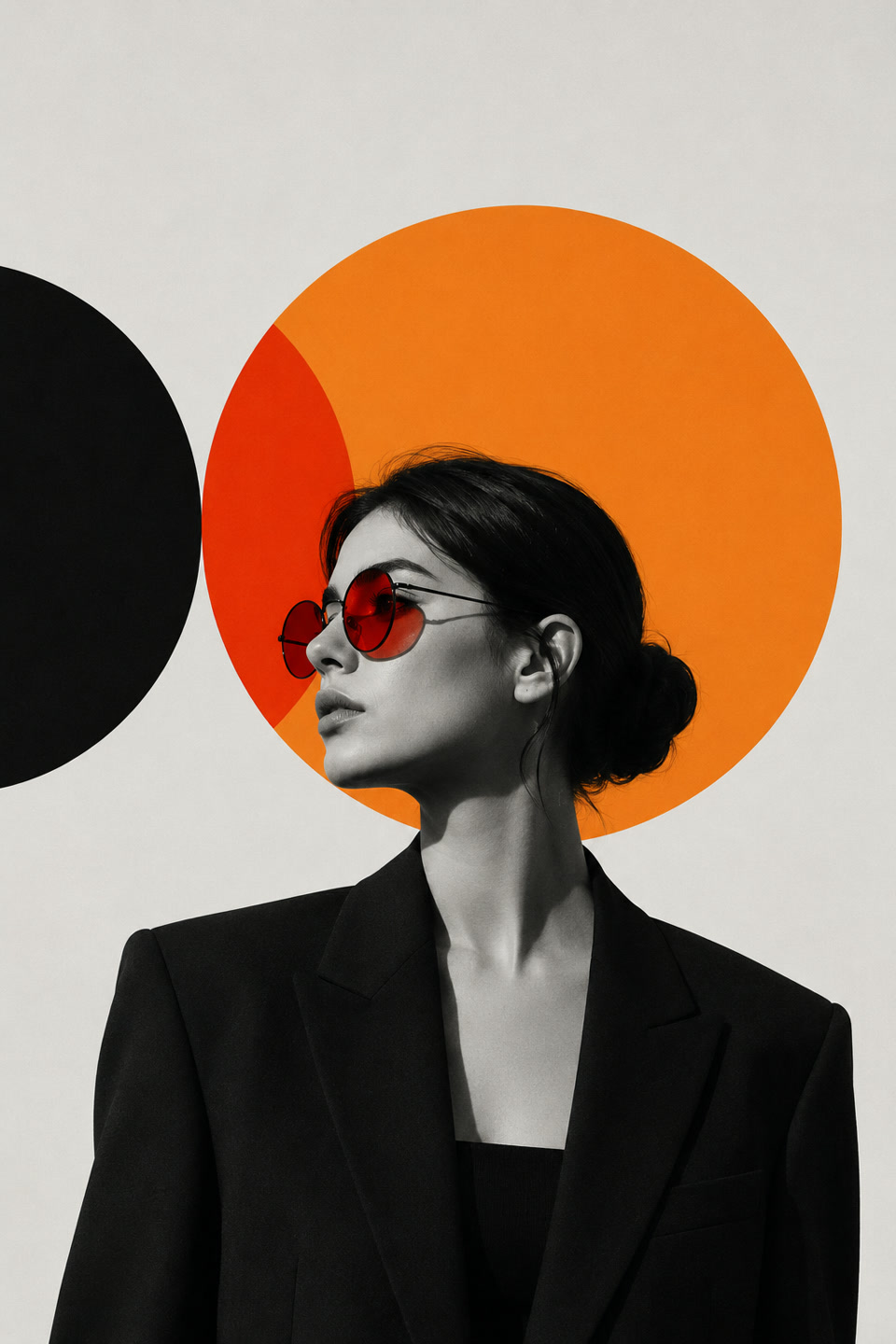
A minimalist graphic-art portrait of a woman in profile, looking to the left, wearing a black tailored blazer and dark trousers with her hair styled in a low, neat bun. She wears round sunglasses with red-tinted lenses. The background is a clean, flat light gray, dominated by large, overlapping geometric circles: a giant bright orange circle behind her head, partially overlaid by a vibrant red-orange crescent, and a solid black circle on the far left edge. The woman is rendered in sharp black-and-white, creating a stark contrast with the bold, saturated colors of the graphic shapes. The lighting is soft and even, highlighting her elegant jawline and neck. The composition is a vertical, off-center medium shot with a clean, high-contrast, modern editorial aesthetic, blending photography with bold graphic design elements, characterized by smooth matte textures and precise vector-like shapes.
How it works
HyperPrompt works where visual research already happens. The reference stays visible while the prompt is generated, copied, translated or saved.
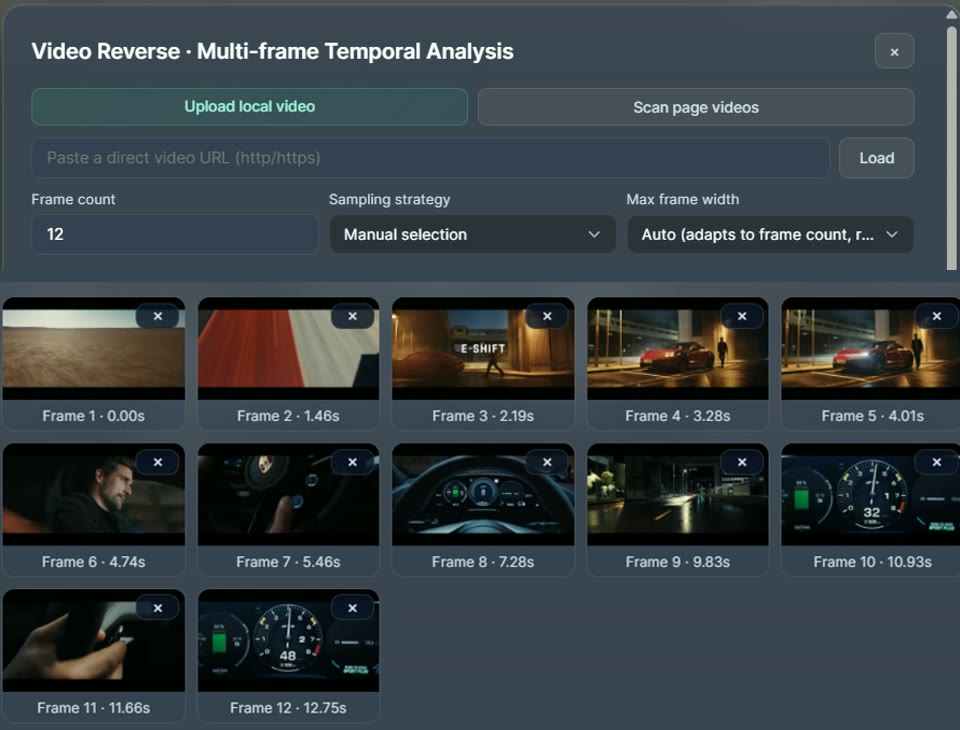
Use a web image, local file or URL — or, with Pro, select the frames that matter from an uploaded video.
Choose your rule and vision model. The result appears beside the source.
Copy, translate or save the result with its source thumbnail, tags and next actions.
Prompt proof
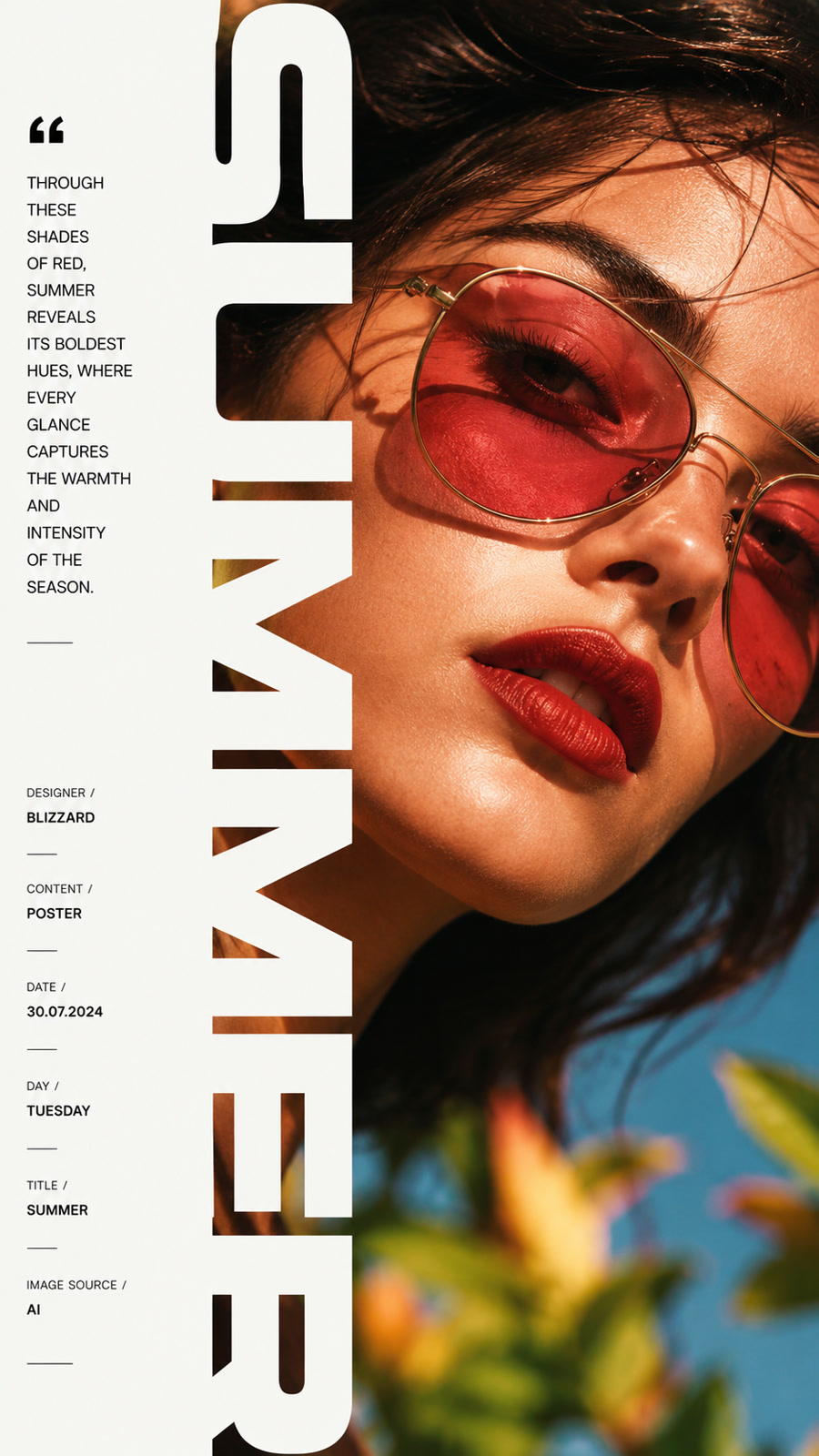
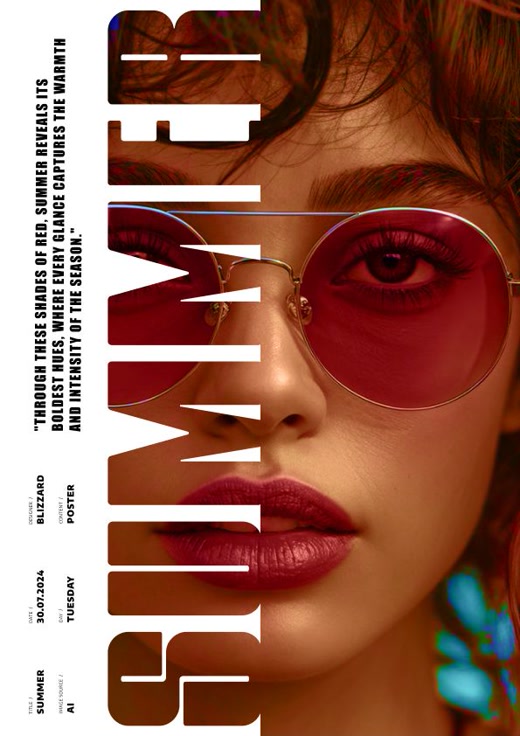
A reversed prompt only matters if it can carry the reference forward. These images were created in external image models using prompts produced by HyperPrompt.
The tested result keeps the circular light source, low camera angle and restrained red-black palette without copying the original image.
The reversed prompt carries type placement, crop, hierarchy and art direction into a new editorial image.
The workspace around the prompt
Successful prompts become visual assets: grouped from a page, searchable by prompt and tags, shaped by your rules and ready to reuse.
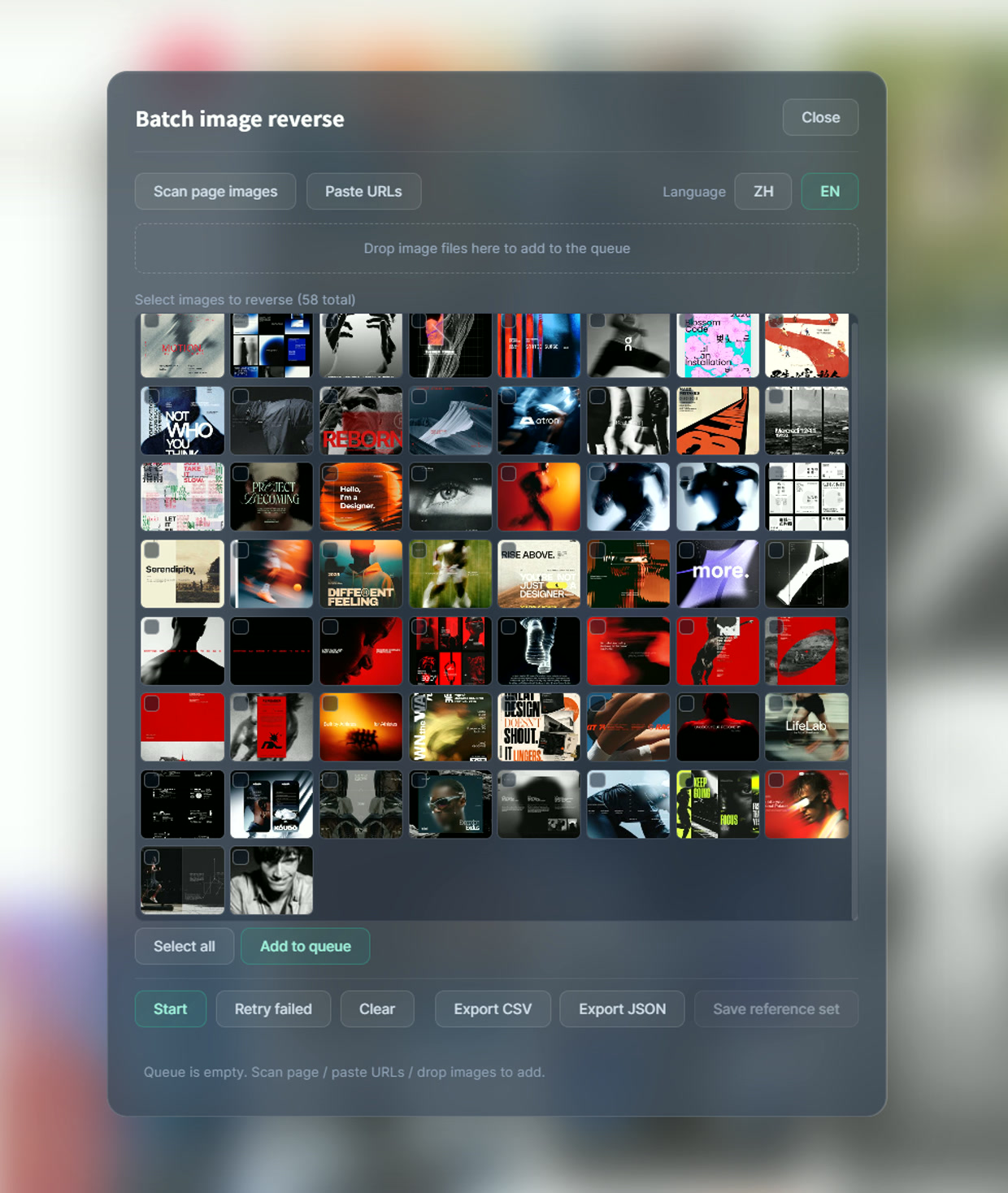
With Pro, scan the page, add local files or URLs, choose the references worth keeping and reverse them as one focused batch.
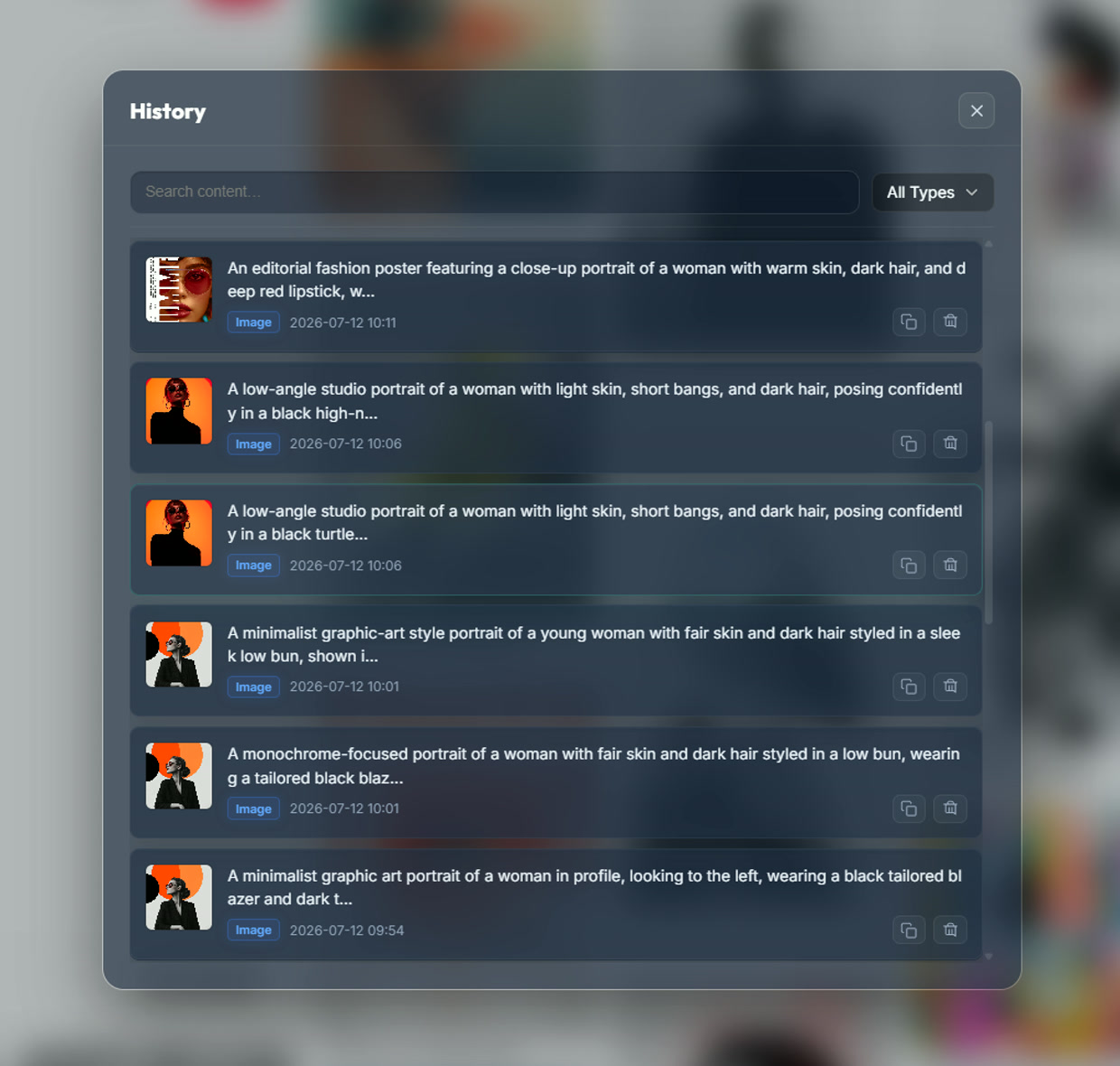
Saved visual results keep the source thumbnail, type, tags, prompt and actions together.
Shape image reverse, English reverse, prompt refinement, translation and, with Pro, video analysis around the way you work.
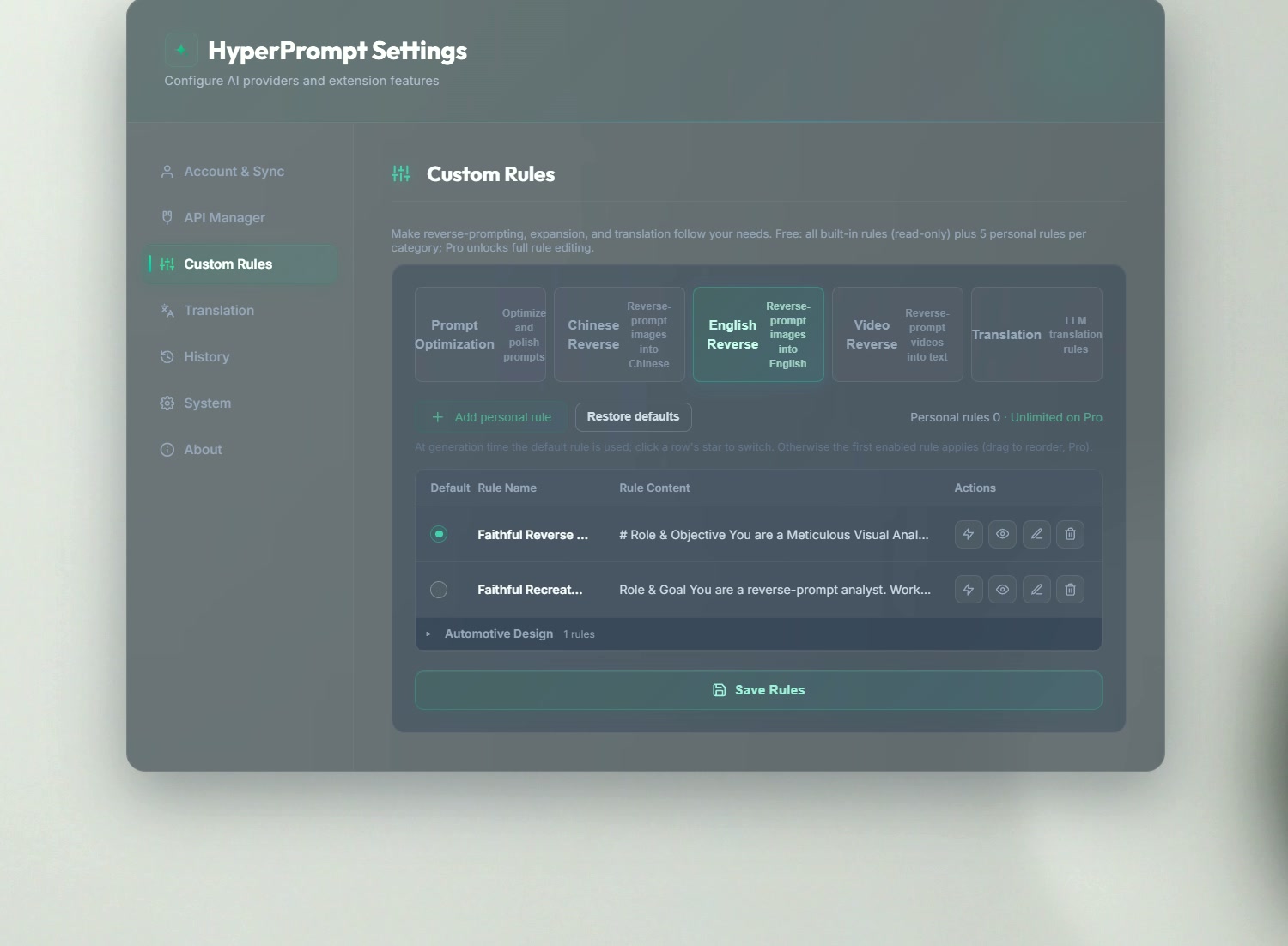
With Pro, upload a clip, select frames or ranges, review the storyboard, then reverse the sequence as one piece of motion.
Model freedom and privacy
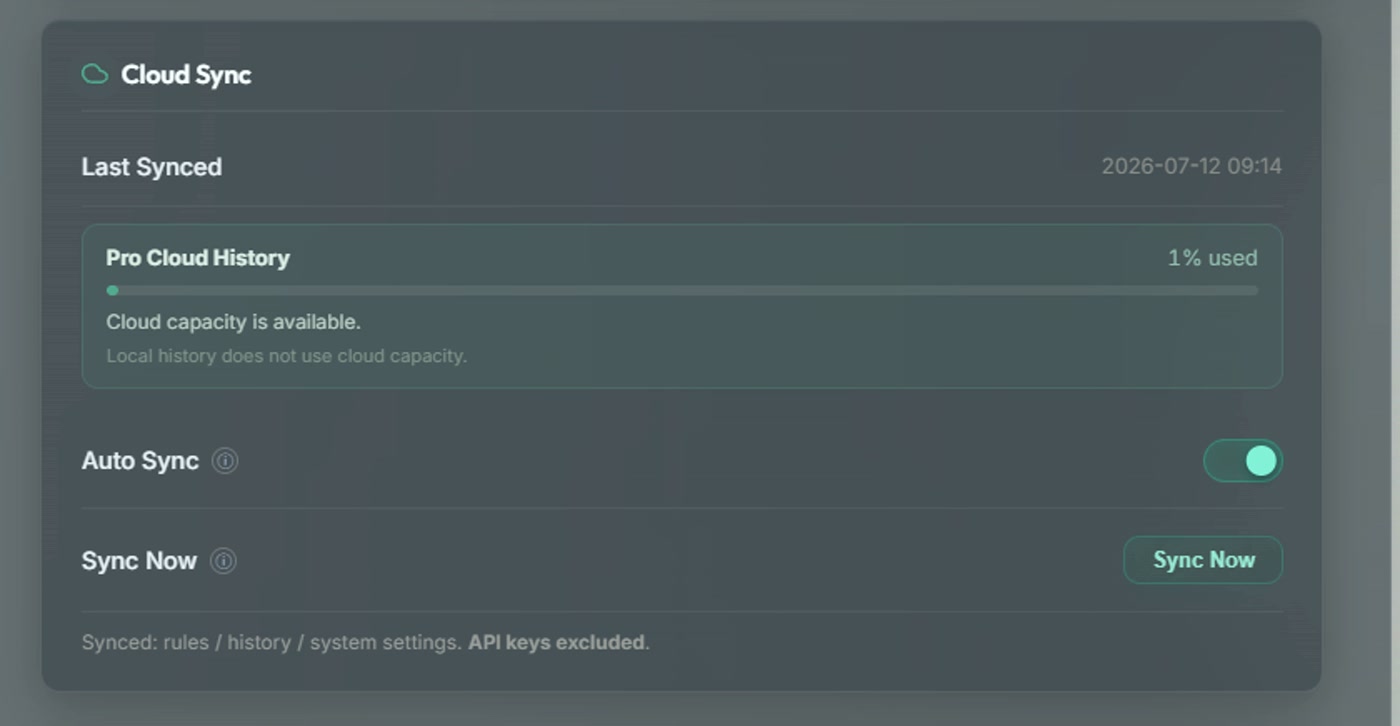
HyperPrompt sends data to your configured provider only when you start a model request. That request can include the selected image, video frames, text or prompt, the active rule, model settings and the API key used for provider authentication. API keys stay in local Chrome extension storage and are never included in Cloud Sync.
Lifetime license
Free daily usage covers the core workflow. Pro removes the daily limits and unlocks the complete visual workspace.
A one-time purchase unlocks the features included with the current HyperPrompt product for its supported lifetime.
HyperPrompt connects to the model services you configure. Any provider fees are billed by that provider; local services may have none.
Free: 20 image reverses, 20 prompt expansions and 20 translations per day, with the 20 most recent history items visible.